
With Hokusai it’s easy to record or import audio, and make it sound awesome: not just trimming the ends, but full cut, copy, paste and delete, and a suite of filters and special effects.
Edit many tracks side-by-side, mix them together, and export to Wave or MPEG 4 (AAC) format – then transfer them to your computer via a cable, iCloud, Dropbox, or other cloud services, or send them to another app on your device.
At A Glance
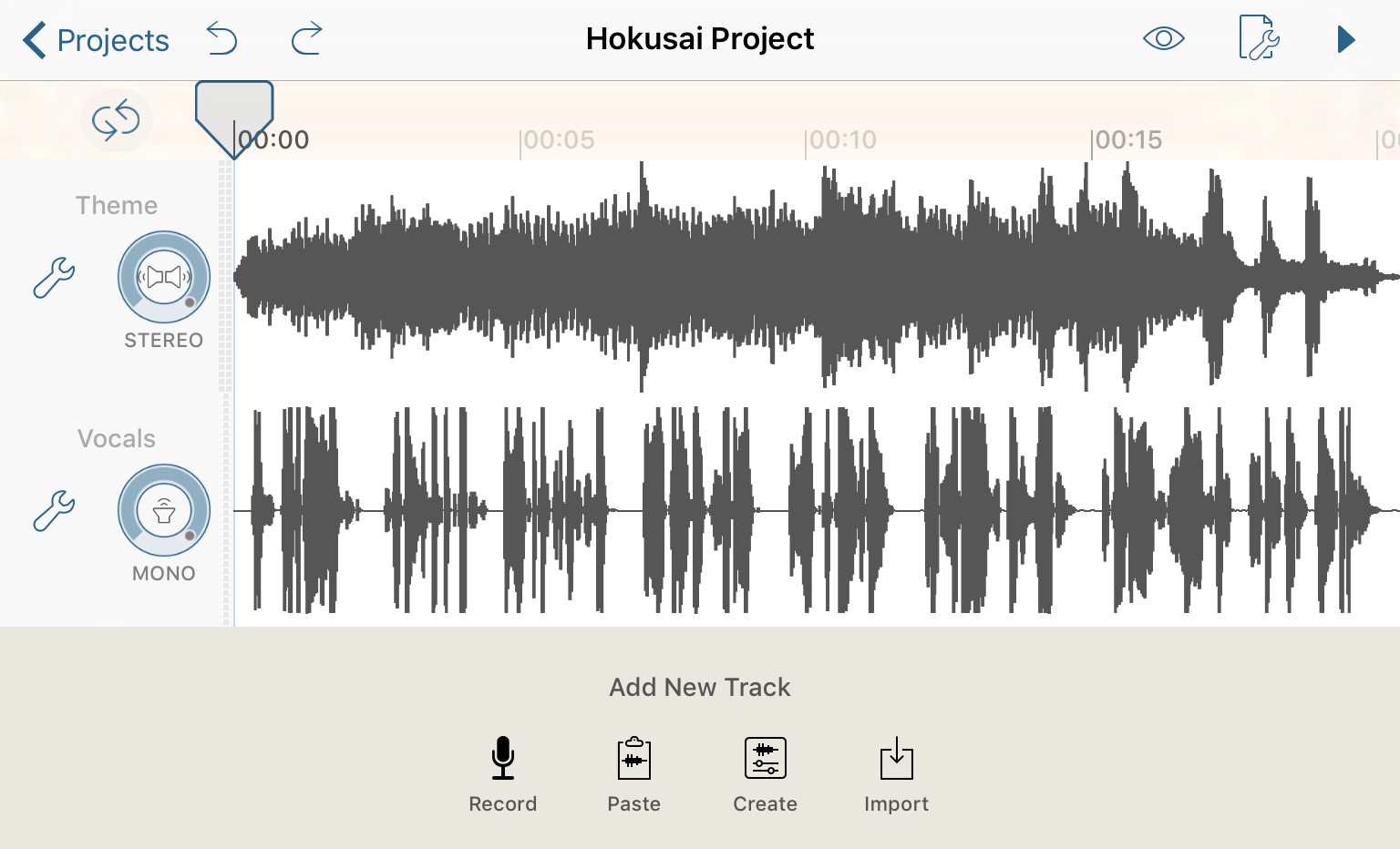
Simple, uncluttered interface. Focus on your tracks.
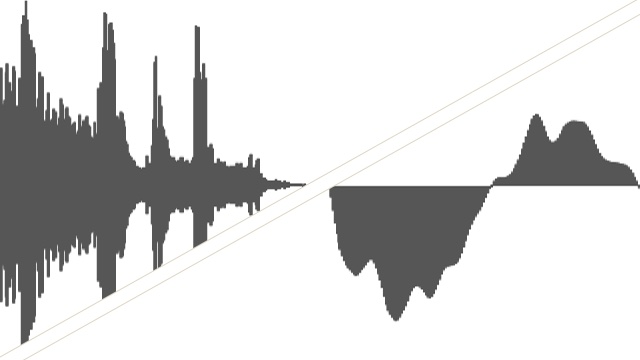
Standard pinch/swipe gestures to zoom and scroll your tracks. Fast, smooth response. View the whole length of your track or dive in to see each peak.
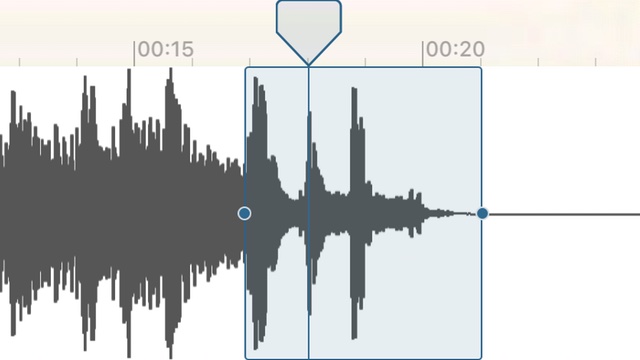
Drag a finger to select audio. Hear the audio under your finger, too, with live scrubbing. Sadly, this can’t be shown in a screenshot :)
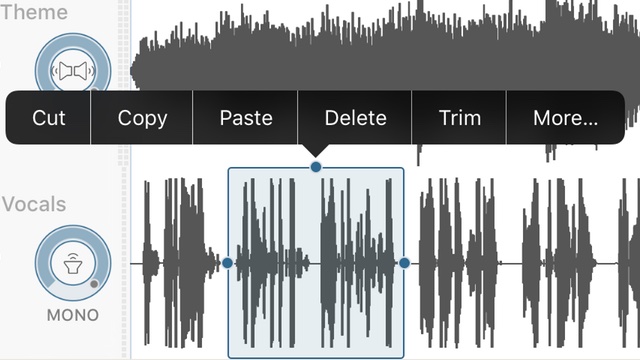
Cut, copy & paste, delete or trim selections. Apply FX and filters by tapping “More…”
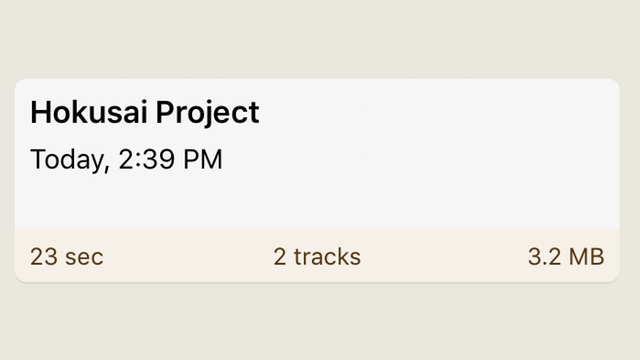
Full support for undo and redo – even after closing your project, or the app. And your work is always saved.
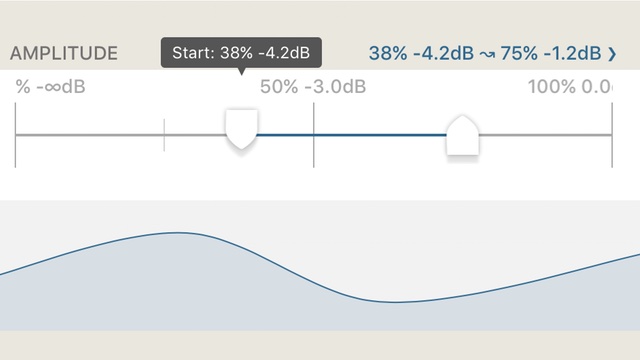
Pinch to zoom also works on sliders for fine control over settings. Use curves to vary them automatically over time for creative effects.
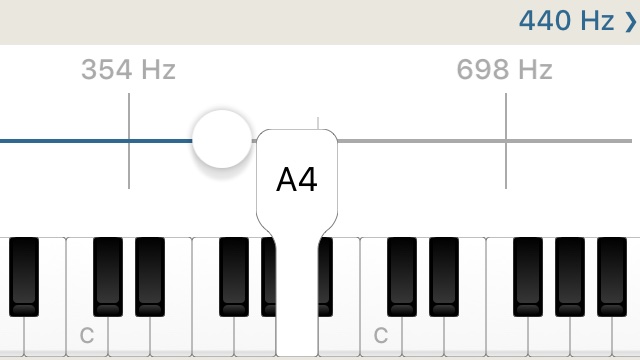
Use mini keyboards to easily set frequencies to a standard pitch.